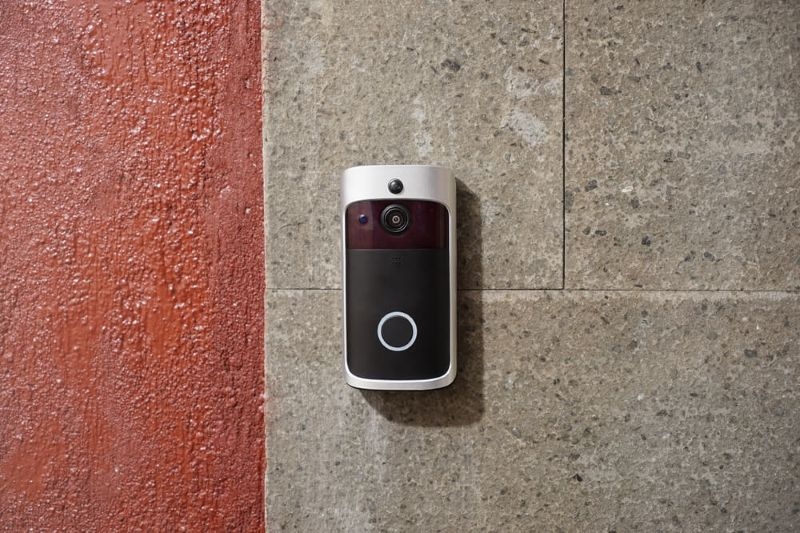
A doorbell used to be simple. Someone presses it, you open the door, life moves on.
Now? A doorbell can record video, talk to visitors, detect motion, and ping a phone halfway across town. Helpful, yes. Also a little overwhelming if settings are messy. The good news is automation can make it feel effortless. The trick is setting it up like a normal person would, not like an engineer with unlimited free time.
This guide breaks down how homeowners can build routines around a smart doorbell camera so it actually improves daily life. No fancy talk. Just what works.
What A Smart Doorbell Camera Really Does
At its core, a doorbell camera does three jobs: it watches, it notifies, and it stores. Everything else is a bonus.
Watching means motion detection and live video. Notifying means alerts that reach the right person at the right time. Storing means recordings saved locally or in the cloud so incidents can be reviewed later.
If any of those three pieces are off, the whole experience feels annoying. Too many notifications, missed events, grainy video, or recordings that “mysteriously” didn’t save. Sound familiar?
Automation is the fix. It turns random alerts into predictable routines.
Video Doorbell Automation Basics That Make Life Easier
Most people hear video doorbell automation and imagine complicated setups. It can be, but it doesn’t have to be.
Start with three simple automations:
- Motion alerts change based on time of day
- Doorbell press triggers a predictable response (lights, chime, phone alert)
- Package detection triggers a shorter, higher-priority notification
Think of automation like a house rule. When X happens, the house responds in a consistent way. That consistency matters when real life is busy, and nobody wants to dig through settings at 7:40 PM.
Where A Doorbell Fits In A Smart Home Security System
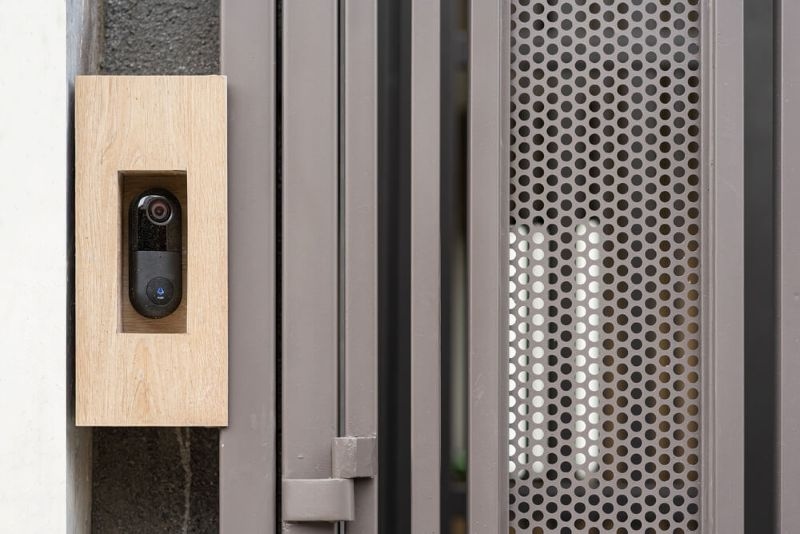
A doorbell camera is often the first “security” device people buy. Then they add a light. Then a camera. Then a lock. Next thing you know, it’s a full smart home security system.
The doorbell’s job in that bigger setup is to cover the front boundary of the home. It spots visitors, catches deliveries, and creates a record of what happened near the entrance.
Automation ties it all together. For example, motion at the door can turn on the porch light, start a recording on a driveway camera, and send an alert that includes a snapshot. That’s not overkill. That’s just smarter context.
Wired Vs Wireless Without The Stress
Some homes can run power to the doorbell easily. Others can’t. That’s why the wireless doorbell camera category exists, and it’s a lifesaver for renters or older homes.
Wireless models bring flexibility, but they also bring battery management. Automations can help here too:
- Reduce motion sensitivity during high-traffic hours
- Use activity zones to ignore sidewalks
- Schedule “quiet hours” so the camera isn’t waking up for every passing car
Less unnecessary recording equals less battery drain. Small tweak, big difference.
Choosing The Best Smart Doorbell For Your Needs
The best smart doorbell isn’t the one with the flashiest ad. It’s the one that fits the home’s habits.
A busy household might prioritize:
- Reliable motion alerts
- Clear night vision
- Fast live view loading
- Multiple user access with different permissions
A quieter home might care more about:
- Package detection
- Local storage options
- Strong privacy controls
- Integration with lights and locks
A quick reality check helps too: if the Wi-Fi at the front door is weak, even the fanciest doorbell will struggle. A mesh node or extender can solve more problems than another upgrade.
Home Automation Security Starts With Better Notification Rules
Here’s the part people skip, then regret later. Alert rules.
Good home automation security is not “notify me about everything.” That’s how people end up muting notifications, which defeats the entire point.
Instead, set alerts based on urgency:
- Doorbell press: always notify
- Motion during the day: notify only if it’s within a zone
- Motion at night: notify with sound and vibration
- Familiar faces (if enabled): notify quietly, or not at all
This approach respects attention. It protects the home without turning the phone into a chaos machine.
On a Similar Note: Wireless vs Wired Security Systems for Safer Home Choices
Automation Ideas That Feel Useful, Not Gimmicky
Once the basics are solid, automation can get fun in a practical way.
Try these:
- If motion is detected after bedtime, turn on porch lights for 5 minutes
- If the doorbell rings, pause smart speakers or lower TV volume
- If a package is detected, send a message to a shared family chat
- If motion happens while “Away” mode is active, trigger a louder alert and start continuous recording
These aren’t flashy. They’re just helpful. And that’s the whole goal.
Privacy And Storage Decisions That Homeowners Forget
Automation is powerful, but privacy matters more. Especially with cameras pointed near public areas.
Basic privacy moves include:
- Tight activity zones so the camera focuses only on the property
- Masking areas like neighbor windows or shared walkways (if available)
- Limiting who can access live view and recordings
- Reviewing storage length so old clips don’t hang around forever
Also, decide early if cloud storage is worth it. Cloud is convenient, but it’s a subscription. Local storage can be cheaper long-term, but it depends on your device ecosystem.
Troubleshooting Common Automation Problems
Even good setups get weird sometimes. The usual suspects are boring, but they’re real.
If alerts are delayed:
- Check Wi-Fi strength at the door
- Reduce camera resolution one notch
- Disable battery saver settings on the phone app
If alerts are nonstop:
- Narrow activity zones
- Lower sensitivity
- Remove “generic motion” alerts and rely on person detection if available
If recordings don’t save:
- Confirm storage is enabled and not full
- Check if “record on motion” is toggled off by a schedule
- Confirm the subscription or local storage device is active
Bringing It Back To Video Doorbell Automation
Once routines are in place, video doorbell automation starts to feel invisible, in a good way. Lights come on when they should. Notifications show up when they matter. Recordings exist when you need them.
That’s the point. Home tech should reduce mental load, not add to it.
Getting The Most From A Smart Home Security System
A doorbell camera is only one piece, but it’s a loud one because it touches everyday life. In a full smart home security system, it works best when it’s paired with:
- A porch light or smart switch
- A lock or entry sensor
- A shared household notification setup
- A simple “Home” and “Away” mode
And if the home uses a wireless doorbell camera, keep automations lean. Fewer triggers means fewer wake-ups, and that usually means better battery performance.
Read More: How Smart Security Can Improve Family Caregivers' Safety?
Conclusion: A Practical Final Check Before Calling It Done
Before you walk away from settings, do a quick test:
- Ring the doorbell from outside
- Walk through motion zones slowly and quickly
- Test alerts on every phone that should receive them
- Check playback for the last two clips
If it behaves the way you expect, you’re done. And if it doesn’t, tweak one setting at a time. One. Not five. Otherwise you won’t know what fixed it.
Also, remember this: the best smart doorbell is the one that disappears into your routine and quietly does its job.
FAQs
1. Do Doorbell Automations Work Without Wi-Fi
Most automations rely on Wi-Fi because alerts and cloud features need connectivity. Some systems can store locally, but live alerts usually won’t work offline.
2. How Can Homeowners Reduce False Motion Alerts
Start with activity zones, then lower sensitivity. If the device supports person detection, use that as the main trigger instead of general motion.
3. Can A Doorbell Camera Be Part Of Home Automation Security
Yes. When set up with smart lights, modes, and alert rules, a doorbell camera becomes a practical layer of home automation security instead of just a camera that pings all day.